
Introduction to basic DOS Internal and External Commands
Updated: 3 Dec 2025, 06:48:46
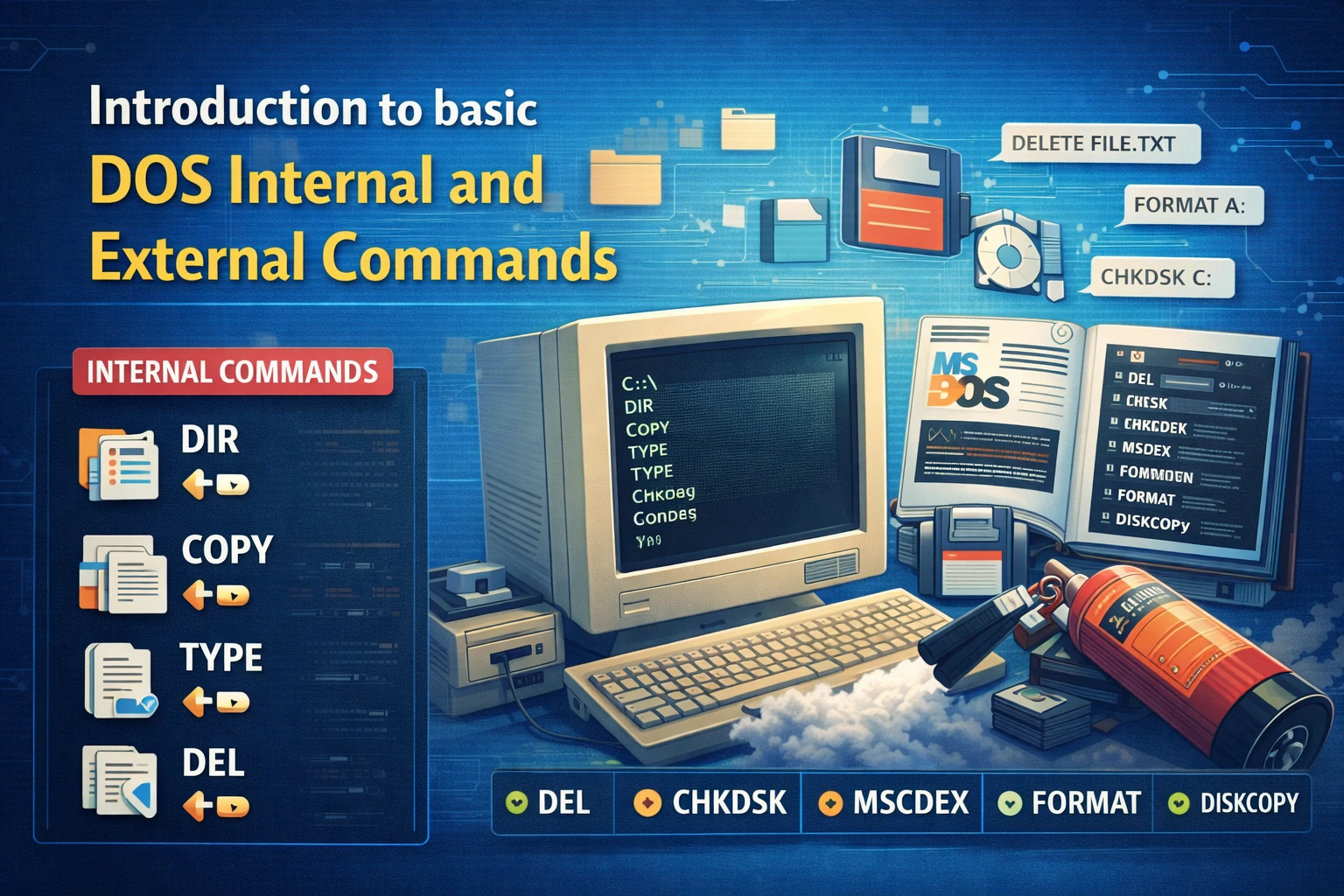 जब आज हम mouse से computer चलाते हैं, तब भी computer के अंदर बहुत सारा काम commands से ही होता है। ITI trainee के लिए यह समझना बहुत जरूरी है कि computer सिर्फ Windows से नहीं चलता, बल्कि पहले के समय में DOS (Disk Operating System) से ही पूरा system operate किया जाता था। आज भी कई competitive exam, viva और interview में DOS commands से question पूछे जाते हैं।
अगर आप ITI में computer course कर रहे हैं और DOS commands से डर लगता है, तो tension लेने की जरूरत नहीं है। इस पोस्ट में हम Internal और External DOS commands को बहुत simple language में समझेंगे। यहां theory के साथ-साथ practical understanding भी दी गई है, ताकि trainee आसानी से याद भी रख सके और use भी कर सके।
DOS (Disk Operating System) क्या है?
DOS का पूरा नाम है Disk Operating System।
यह एक Command Line Operating System है, जिसमें user को काम करने के लिए commands type करनी पड़ती है।
👉 DOS में mouse का use नहीं होता, बल्कि keyboard से commands लिखी जाती हैं।
DOS की मुख्य विशेषताएं (Features of DOS)
| Feature | Description |
|---|---|
| CLI based | Command line interface |
| Fast | कम memory में चलता है |
| Text based | Text commands use |
| Single task | एक समय में एक काम |
| Low resource | कम RAM चाहिए |
DOS Commands क्या होती हैं?
DOS commands वो instructions होती हैं, जो user computer को देता है ताकि कोई काम हो सके, जैसे:
-
file बनाना
-
file delete करना
-
folder create करना
-
disk check करना
DOS commands मुख्य रूप से दो प्रकार की होती हैं।
DOS Commands के प्रकार (Types of DOS Commands)
-
Internal Commands
-
External Commands
नीचे दोनों को detail में समझते हैं।
🔹 Internal Commands क्या होती हैं?
Internal commands वो commands होती हैं जो COMMAND.COM file में पहले से loaded रहती हैं।
Computer start होते ही ये commands memory में आ जाती हैं।
👉 इन commands को चलाने के लिए अलग file की जरूरत नहीं होती।
Internal Commands की विशेषताएं
-
Memory में पहले से available
-
Fast execution
-
Basic commands होती हैं
-
Small size
Important Internal DOS Commands (तालिका)
| Command | Use |
|---|---|
| DIR | Files और folders list |
| CLS | Screen clear |
| DATE | System date set |
| TIME | System time set |
| COPY | File copy |
| DEL | File delete |
| REN | File rename |
| TYPE | File content दिखाना |
1️⃣ DIR Command
DIR command का use directory में मौजूद सभी files और folders को देखने के लिए किया जाता है।
Example:
यह command screen पर सभी files की list दिखा देती है।
2️⃣ CLS Command
CLS command का use screen को साफ करने के लिए होता है।
Example:
यह पुराना output हटा देता है।
3️⃣ DATE और TIME Command
DATE command से system की date और TIME command से system का time set किया जाता है।
Example:
4️⃣ COPY Command
COPY command का use file को एक जगह से दूसरी जगह copy करने के लिए होता है।
Example:
5️⃣ DEL Command
DEL command से file delete की जाती है।
Example:
🔹 External Commands क्या होती हैं?
External commands वो commands होती हैं जो DOS directory में अलग file के रूप में stored होती हैं।
ये commands memory में हमेशा loaded नहीं रहतीं।
👉 इन commands को चलाने के लिए संबंधित file का होना जरूरी है।
External Commands की विशेषताएं
-
Separate file में होती हैं
-
Size बड़ी होती है
-
Disk से load होती हैं
-
Advanced work करती हैं
Important External DOS Commands (तालिका)
| Command | Use |
|---|---|
| FORMAT | Disk format |
| CHKDSK | Disk check |
| DISKCOPY | Disk copy |
| TREE | Directory structure |
| ATTRIB | File attribute change |
| XCOPY | Advanced copy |
| LABEL | Disk label |
1️⃣ FORMAT Command
FORMAT command का use disk को format करने के लिए किया जाता है।
⚠️ Warning: Format करने से सारा data delete हो जाता है।
Example:
2️⃣ CHKDSK Command
CHKDSK command disk में errors check करने के लिए use होती है।
Example:
3️⃣ DISKCOPY Command
DISKCOPY command एक disk का exact copy दूसरी disk पर बनाती है।
Example:
4️⃣ TREE Command
TREE command directory structure को tree form में दिखाती है।
Example:
5️⃣ ATTRIB Command
ATTRIB command से file के attributes change किए जाते हैं।
👉 जैसे:
-
Read only
-
Hidden
-
System
Example:
Internal और External Commands में अंतर (Difference Table)
| Point | Internal Commands | External Commands |
|---|---|---|
| Storage | COMMAND.COM | Separate file |
| Memory | Always loaded | Disk से load |
| Speed | Fast | Slow |
| Size | Small | Large |
| Example | DIR, CLS | FORMAT, CHKDSK |
ITI Trainees के लिए DOS Commands क्यों जरूरी हैं?
-
Practical exam में commands पूछी जाती हैं
-
Viva में difference पूछते हैं
-
Interview में basic DOS knowledge जरूरी
-
System troubleshooting में help
अगर trainee DOS commands समझ लेता है, तो आगे Linux, Server और Networking सीखना आसान हो जाता है।
DOS Commands Practice Tips
-
रोज CMD खोलकर commands try करें
-
Command spelling ध्यान से लिखें
-
Error message को पढ़ें
-
Notes खुद बनाएं
-
Theory + practical दोनों करें
Advantages of DOS
फायदे
-
Fast working
-
Low memory use
-
Direct control
-
Simple structure
Limitations of DOS
सीमाएं
-
GUI नहीं है
-
User friendly नहीं
-
Multitasking नहीं
-
Mouse support नहीं
FAQs – Frequently Asked Questions
❓ FAQ 1: DOS commands आज भी क्यों पढ़ाई जाती हैं?
Answer:
DOS commands से computer के basic working concept clear होते हैं। यही base आगे Linux और server OS में काम आता है।
❓ FAQ 2: Internal और External command कैसे पहचानें?
Answer:
जो command बिना file के चल जाए वह internal होती है, और जिसे disk से load होना पड़े वह external command होती है।
❓ FAQ 3: क्या DOS सीखना ITI exam के लिए जरूरी है?
Answer:
हाँ, ITI syllabus में DOS commands शामिल हैं और practical व viva में question पूछे जाते हैं।
❓ FAQ 4: CMD और DOS में क्या difference है?
Answer:
CMD Windows का command interpreter है, जबकि DOS एक पूरा operating system था। Commands लगभग same होती हैं।
❓ FAQ 5: क्या आज भी DOS use होता है?
Answer:
Pure DOS कम use होता है, लेकिन CMD, recovery mode और embedded systems में इसके concept आज भी काम आते हैं।
DOS Internal और External Commands ITI trainees के लिए foundation stone हैं। अगर आप इन्हें अच्छे से समझ लेते हैं, तो आगे चलकर computer hardware, networking और system administration में कोई problem नहीं होगी। Practice के बिना यह topic समझ नहीं आता, इसलिए रोज थोड़ा-थोड़ा practice जरूर करें।
👉 Command याद करने से ज्यादा जरूरी है command को समझना।
About Author

Swarnim Raj
Author & Career Content Writer
Experienced education and career writer at Infokept Career Hub, creating simple, research-based guides for students and government job aspirants.